Why I Chose Tauri v2 for a Desktop Overlay in 2026
How a prototype spike validated a framework decision on real hardware.

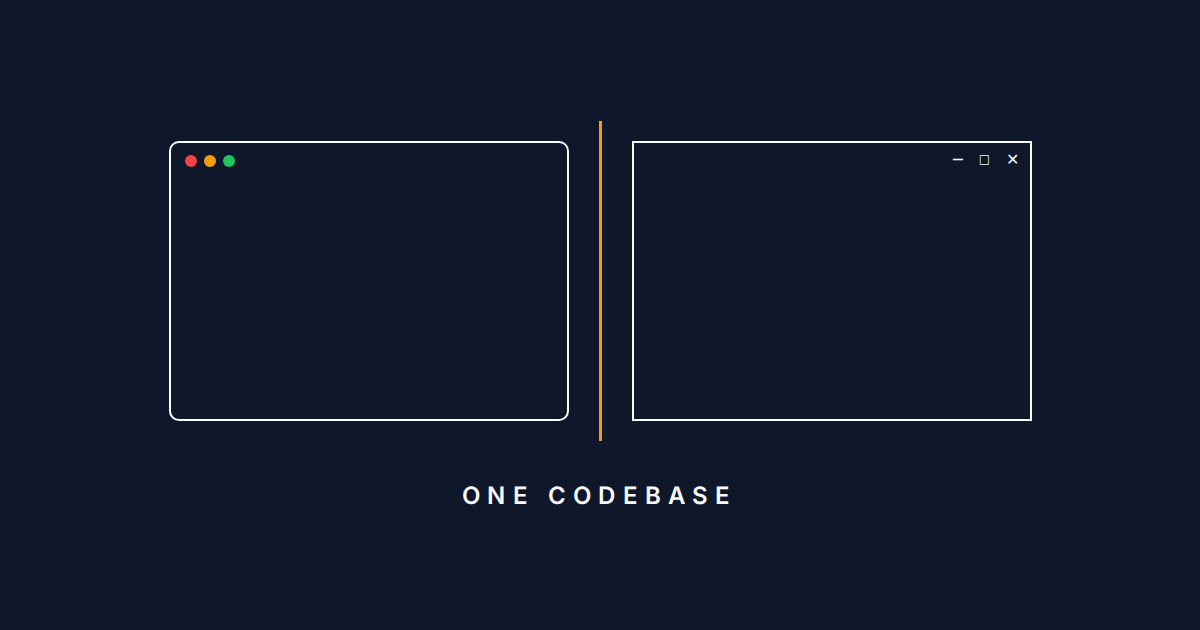
Building an overlay that sits on top of a fullscreen game sounds straightforward until you start listing requirements. Transparent background. Always on top. Click-through on empty space. Rich UI with card lists and mana symbols. Windows and Mac. Low CPU and RAM overhead.
The list of frameworks that can do all of that is short.
When I wrote about building for every platform from day one, I hadn't yet picked the framework that would make that principle real. This post is the story of how I chose one, what scared me about it, and how I tested whether those fears were justified.
What an overlay requires
Manasight's overlay needs to do a few things that most desktop apps don't. It has to render transparent panels on top of a running game, stay visible at all times, and let mouse clicks pass through to the game on transparent areas while capturing clicks on the UI panels themselves.
That last requirement, selective click-through, eliminates most options immediately.
The overlay also isn't just a technical exercise. It needs to look like a modern app: card lists with mana symbols and color coding, a scrollable action log, opacity controls, responsive layout that adapts to panel resizing. Users expect the polish of a web app, not the look of native system controls.
So the framework needs transparent always-on-top windows and rich UI rendering. That means HTML/CSS in an overlay, which narrows the field fast.
Ruling out options
Electron was the first to go. Bundling Chromium means 200-300 MB of memory before the app does anything. For a tool that runs alongside a game, that overhead matters.
Overwolf is Windows-only and takes up to a 30% revenue cut. Flutter Desktop has no selective click-through support. Qt/QML has had recurring macOS transparency issues since Qt 5.15 and comes with complex LGPL licensing.
That left two real options: Tauri v2 or going fully native.
Tauri vs. native
I have years of C++ and Win32/Direct2D experience (I even worked on the Microsoft team that originally built Direct2D nearly 20 years ago). Building the Windows overlay natively was on the table. Native gives you first-class selective click-through on both platforms (WM_NCHITTEST on Windows, hitTest on macOS) and the lowest possible resource footprint.
But my experience also told me it would be painful. Going fully native means two separate rendering implementations. Direct2D on Windows, Core Animation on macOS. Manual pixel-level layout to achieve what a few lines of CSS give you for free: flexbox, web fonts, scrollable containers, hover states. No hot reload, no browser dev tools. I estimated weeks of additional UI work just to get something that would look worse than HTML/CSS.
macOS was a blank slate for me — I have never built a macOS app in my life. Building the same UI twice in two rendering frameworks, as one person, would at least double the implementation timeline. That's plenty of time for a side project to lose momentum.
Tauri avoids that trade-off. The backend is Rust, so system-level code like log parsing, file watching, and cursor polling runs at native speed. The UI is HTML/CSS rendered in the platform's built-in webview. You're not choosing between Rust and "not Rust." You're choosing where Rust does the work.
Tauri also handles distribution: a built-in auto-updater with Ed25519 signature verification, MSI/NSIS installer generation for Windows, DMG generation for macOS, and code signing for both platforms.
What I knew I was giving up
Tauri won on development speed and single-codebase economics, but it came with known costs:
- No native click-through. Tauri doesn't expose per-region hit-testing. The workaround: a Rust loop polls cursor position at ~60fps and toggles
setIgnoreCursorEventsbased on whether the cursor is over a UI panel or transparent space. It sounds expensive, but it's a tight compiled loop, not JavaScript. - macOS transparency bugs. There were three open issues in Tauri's tracker. E.g., transparent windows reportedly worked in development but rendered with an opaque background in production
.appbundles. If true, that would make the overlay unusable on Mac. macOSPrivateApi: true. Required for transparency, and it permanently disqualifies the Mac App Store. Acceptable for Manasight (distributed via DMG), but a real constraint.- WebView differences. WebView2 (Chromium-based) on Windows, WebKit on macOS. Minor rendering inconsistencies are expected.
- Framework dependency. Tied to Tauri's project health and release cadence.
I used Claude Code to research these risks and draft an Architecture Decision Record (ADR) before writing any prototype code. I reviewed the ADR the same way I would with any other engineer making a technical proposal.
If Tauri didn't pan out, I had a fallback plan: build native window shells with embedded WebView2/WKWebView, keeping the HTML/CSS rendering advantage while gaining full native window control.
Prototype spike
I used Claude to research Tauri's GitHub issue tracker, dig through platform-specific overlay mechanics (Win32 WM_NCHITTEST behavior, AppKit hitTest overrides), and study how existing MTG tools implement their overlays. That research surfaced six specific risks, some of which looked like potential hard blockers. The question was whether they were real on actual hardware.
Rather than assume, I built a validation spike: 20 GitHub issues across 5 phases covering transparency, click-through, focus management, multi-monitor behavior, and performance. Testing covered five OS versions: Windows 10, Windows 11, macOS Sonoma, macOS Sequoia, and macOS Tahoe. If the overlay couldn't pass validation on all target platforms, the project would fall back to native with embedded WebView.
This wasn't a "move fast and see what happens" prototype. It was a risk-reduction exercise with a solid plan B.
Testing on real hardware
Claude generated the prototype code. GitHub Actions built the installers for Windows and Mac. For macOS testing, I bought an M2 Mac Mini specifically because it could run all three recent macOS versions (Sonoma, Sequoia, and Tahoe). It was the cheapest way to get real hardware coverage across OS generations.
That purchase says something about how seriously I take Mac support. I bought hardware before writing a line of product code.
Claude was one of the first things I installed on each OS. It walked me through a 30+ test case protocol on every platform, giving me step-by-step instructions, gathering resource metrics automatically, and running installers directly from CI artifacts.
What didn't break
Six risks from the ADR simply didn't reproduce:
- Transparency lost in production builds. Worked fine on all three macOS versions.
- Sonoma visual glitches after focus change. Didn't happen.
- Ghost titlebar artifact on Windows. Didn't happen.
- Taskbar z-order issues. Didn't happen.
- Shadow artifacts with transparency. Didn't happen.
- Monthly Screen Recording re-authorization on Sequoia. Never triggered because the app doesn't need the permission at all.
AI-assisted research identified these risks. AI-assisted prototyping proved most of them weren't real.
What did break
macOS being macOS:
- Overlay invisible over fullscreen apps. macOS isolates fullscreen apps from other windows by default. Fixed with a third-party plugin that overrides the window type to one macOS allows to float above fullscreen apps.
- App appearing in Dock and Cmd+Tab. Needed
ActivationPolicy::Accessoryto hide the overlay from the app switcher. - CSS
backdrop-filter: blur()broken with transparency. Cosmetic only, but means frosted-glass effects aren't available on the overlay.
And some problems nobody warned about:
- Windows overlay stealing focus on click. Clicking a UI panel pulled focus from Arena. Required platform-specific window flag adjustments.
- macOS Tahoe using ~4x the RAM of Sequoia. 110 MB vs. 29 MB on identical hardware, running identical code. An OS-level webview regression, not something Manasight can control.
- NSIS installer not bootstrapping WebView2 on Windows 10. WebView2 doesn't ship with Win10. During testing Edge provided it, but on a clean Win10 machine without Edge the app would fail to launch. Fix: a single config line to bundle the bootstrapper.
Manasight performance numbers
On Windows 11: 14 MB RAM and under 1% CPU. Tauri uses the system webview instead of bundling Chromium, and the backend is compiled Rust with no garbage collector, no runtime, no interpreter. The only overhead is a webview rendering HTML panels.
macOS varied by version:
- Sequoia: 20-29 MB
- Sonoma: 66 MB
- Tahoe: 110 MB
All within the 200 MB RAM and 15% CPU upper bounds I'd set. Active CPU was borderline on Tahoe (15.6%) but acceptable.
Decision validated
Most risks didn't reproduce. The ones that did had workarounds. Nothing was a hard blocker. Tauri earned the "proceed" verdict through testing, not faith. The native fallback still exists in the ADR if something changes in a future Tauri release or macOS update.
The prototype is complete. Product code is underway, and the framework decision is validated with real numbers on real hardware. That's the kind of foundation I want to build on.
Now there's evidence, not just a belief.
I'm Tim. Subscribe to get new posts by email, or follow @manasightgg on Twitter. Next up: everything I know about the MTG Arena log file in 2026.
Manasight is not affiliated with, endorsed by, or sponsored by Wizards of the Coast or Hasbro.